
Once again, these are not projects I’ve produced specifically for public dissemination.
They’re tools I’ve built for the management of the cluster I admin on, which I’ve provided here for others who’ve been interested.
I update these semi-regularly as well, so keep an eye on the versions shown in the code portion of each post for improvements/bug-fixes.
Configuration
One thing I have been sure to do is include a straightforward configuration section at the top of each script.
So should you desire to use one, all you need do is enter the few configuration details at the top, clearly marked with comment blocks
► #Begin Config / #End Config
Generally these details are required
• ServerIP
The IP address of the server where your cluster is hosted.
• Mcrcon/Rcon tool location
In this instance I’m using mcrcon living in a system’s PATH dir
• Rcon Ports & Passwords
In a number of these be sure to set which servers you run on the cluster, their RCON Ports, and their RCON Passwords .
If all passwords are different, then define each in the array, otherwise use the global variable at the top 🡒 $rconpass
Bash vs Python / Linux vs windows
So yes, all of these are Command Line Interfaces written in Bash.
I originally built these tools for myself, to assist with the remote management of the cluster I admin on from my local network – seeing as my local ecosystem is all Linux based, naturally these are all written in bash.
As my needs expanded, so did my suite of tools, and it became apparent it may be prudent to move some to and build some, like ‘ViewLog’, strictly for our hosting server environment.
Which means I had a choice to make.
Start from scratch and rewrite everything in python for the cross-compatibility….or just install Git for Windows on the windows dedicated server so I had a native bash terminal inside windows from which to run my already established CLI.
Clearly, I chose the path of least resistance and opted for the latter.
So if you’re in a linux environment, then no worries just go ahead and grab the scripts.
However, if you’re in a windows environment and wish to use any of these tools, you can simply install Git for Windows – Git Bash is bundled with that installer.
I’ve put together a quick guide that can run you through setting up the simple command-line environment the allows bash in windows.
► Getting Started – Setting Up a Windows Environment for Bash Scripts
Cluster Management Tools
-
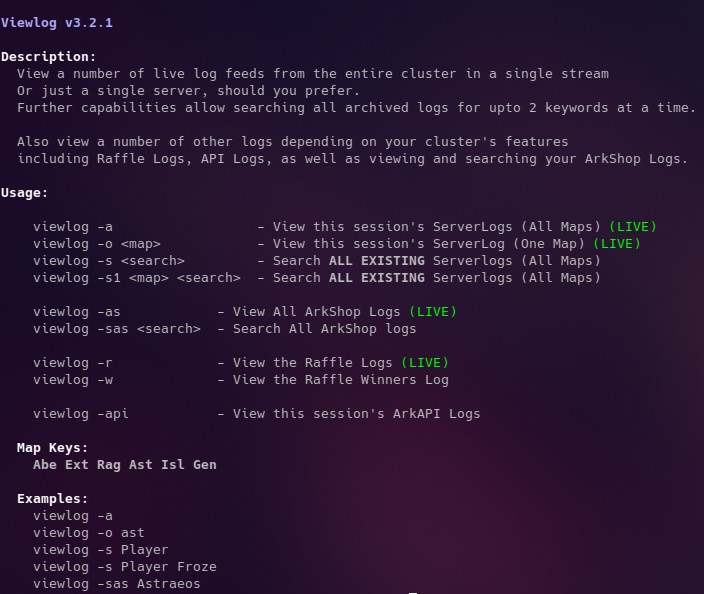
Viewlog Log-Streamer CLI
Description: View a number of live log feeds from the entire cluster in a single stream Or…
-
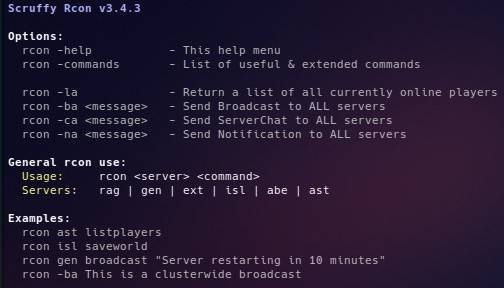
Rcon CLI
A oneshot rcon CLI for sending rcon commands to single or multiple servers at once.
-
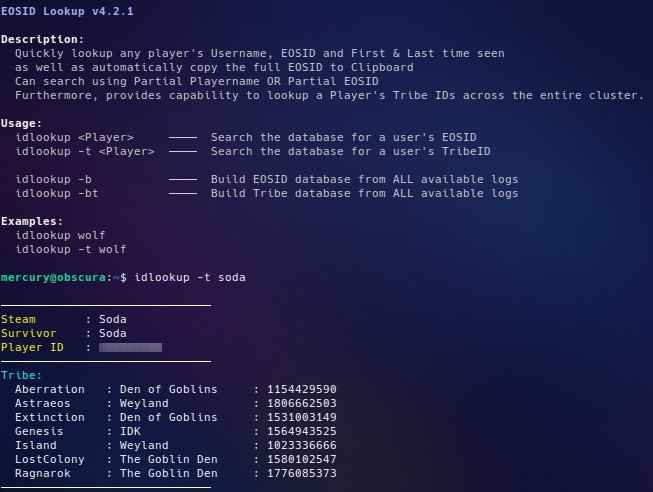
IDLookup CLI
Description: Quickly lookup any player’s Username, EOSID and First & Last time seen as well as…
-
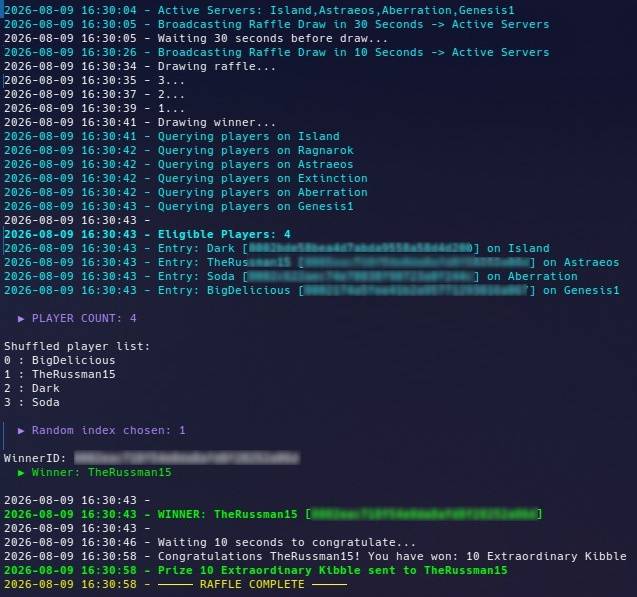
Automated Raffle CLI
CLI for running and maintaining raffles within an Ark Ascended Cluster. Raffle will first check…
-
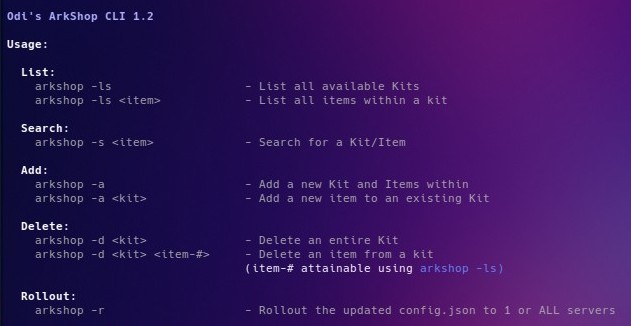
ArkShop Manager CLI
Dependencies:Requires jq.exe – for interaction with the Json arkshop config file.Simply download the windows amd64…
-
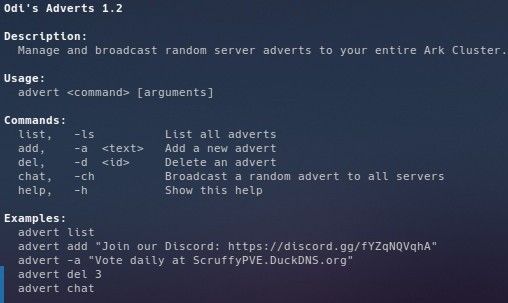
Advert Manager CLI
Description: Broadcast a random advert to your entire Ark Cluster. List, Add, Delete or Send…